Greeting Topic Best Practices | Copilot Studio Day 37
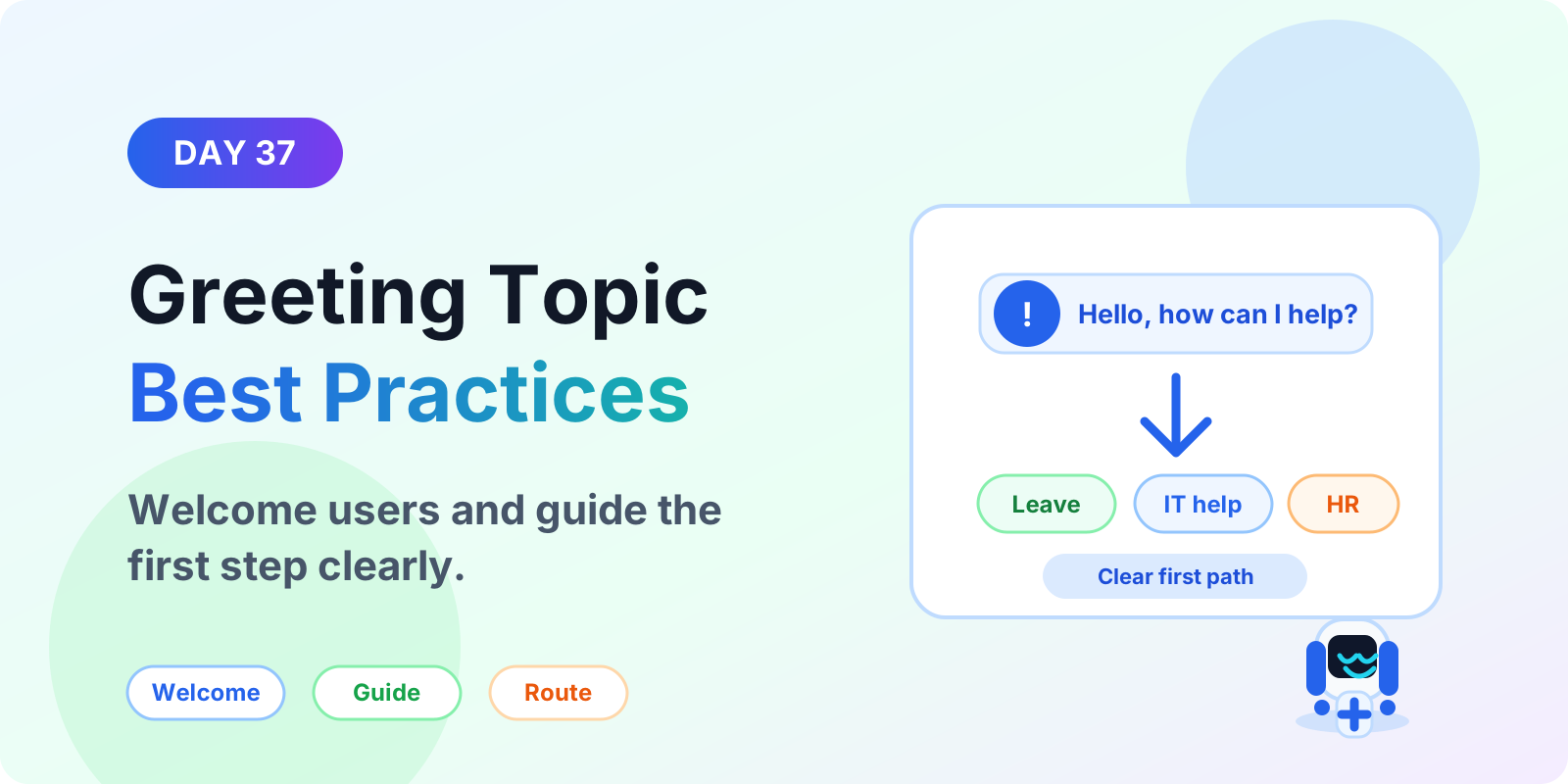
Learn Microsoft Copilot Studio greeting topic best practices for welcome messages, first prompts, quick replies, suggested actions, routing, and better chatbot starts.
Practical Microsoft 365 articles, implementation notes, and hands-on solutions.
151 articles
Learn Microsoft Copilot Studio greeting topic best practices for welcome messages, first prompts, quick replies, suggested actions, routing, and better chatbot starts.
Learn how React components work in Power Apps Code Apps, including props, state, events, reusable UI patterns, data binding, accessibility, and project structure.
Learn how to use images and file responses in Microsoft Copilot Studio to share screenshots, PDFs, documents, guides, and helpful support content in agent conversations.
Learn how to use rich text formatting in Microsoft Copilot Studio messages to create clearer replies, readable steps, links, warnings, and better agent conversations.
Learn what Suggested Actions are in Microsoft Copilot Studio, when to use them, how they guide users to next steps, and best practices for better agent UX.
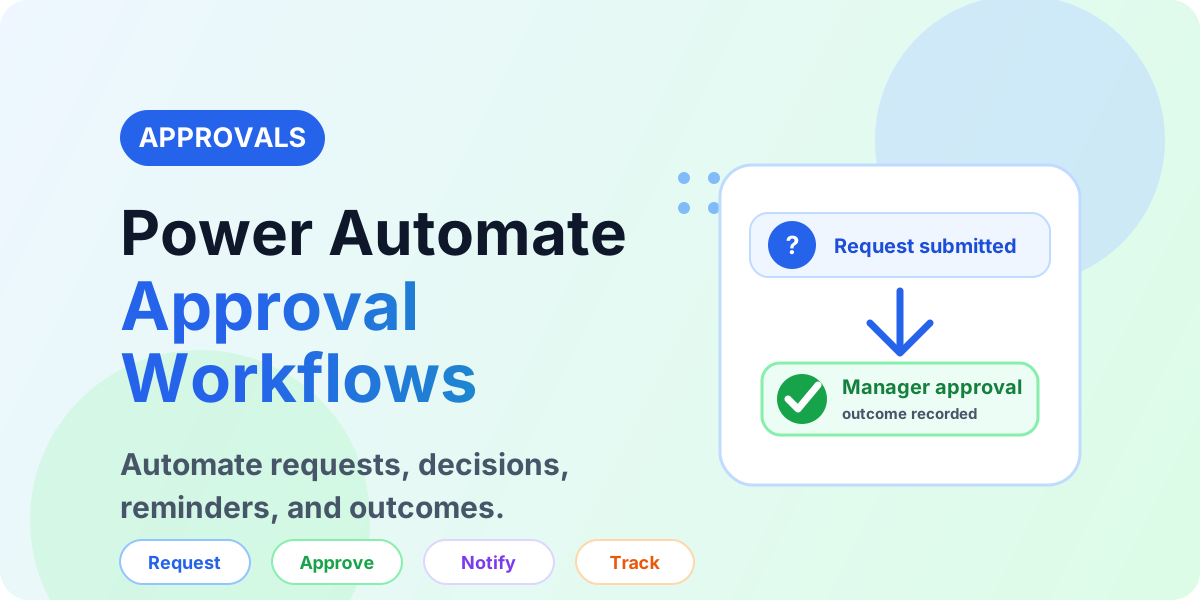
Learn how Power Automate approval workflows work, including approval types, manager decisions, reminders, SharePoint records, Teams alerts, and best practices.
Learn how to connect Power Apps Code apps to Azure SQL Database with PAC CLI, secure authentication, queries, stored procedures, and scalable enterprise data patterns.
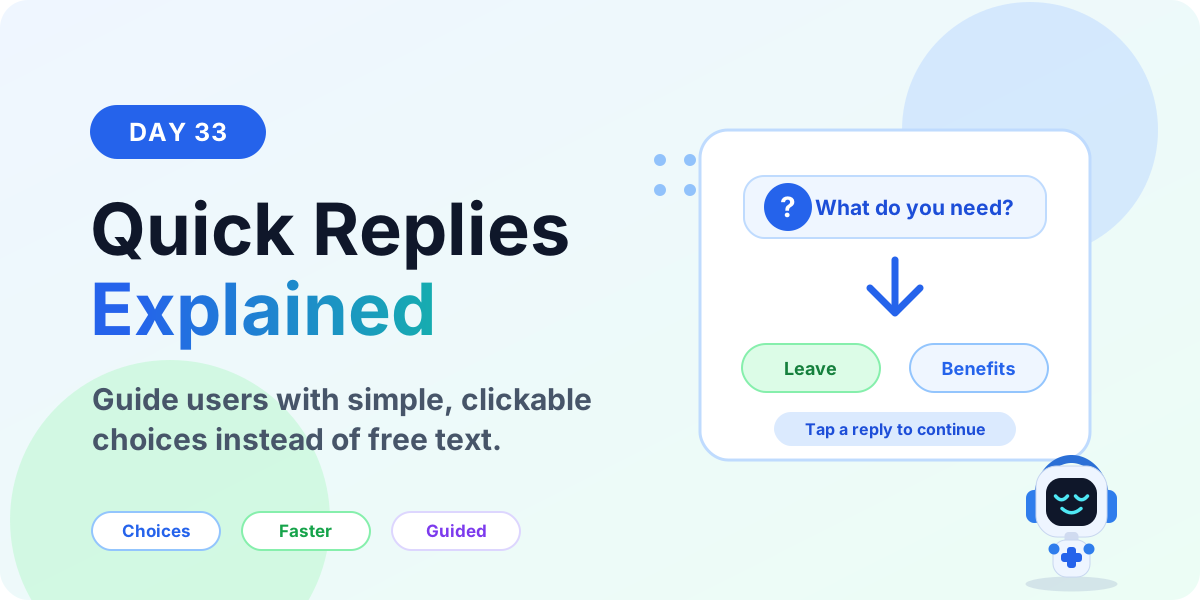
Learn what Quick Replies are in Microsoft Copilot Studio, when to use them, how they guide users with clear choices, and best practices for better agent conversations.
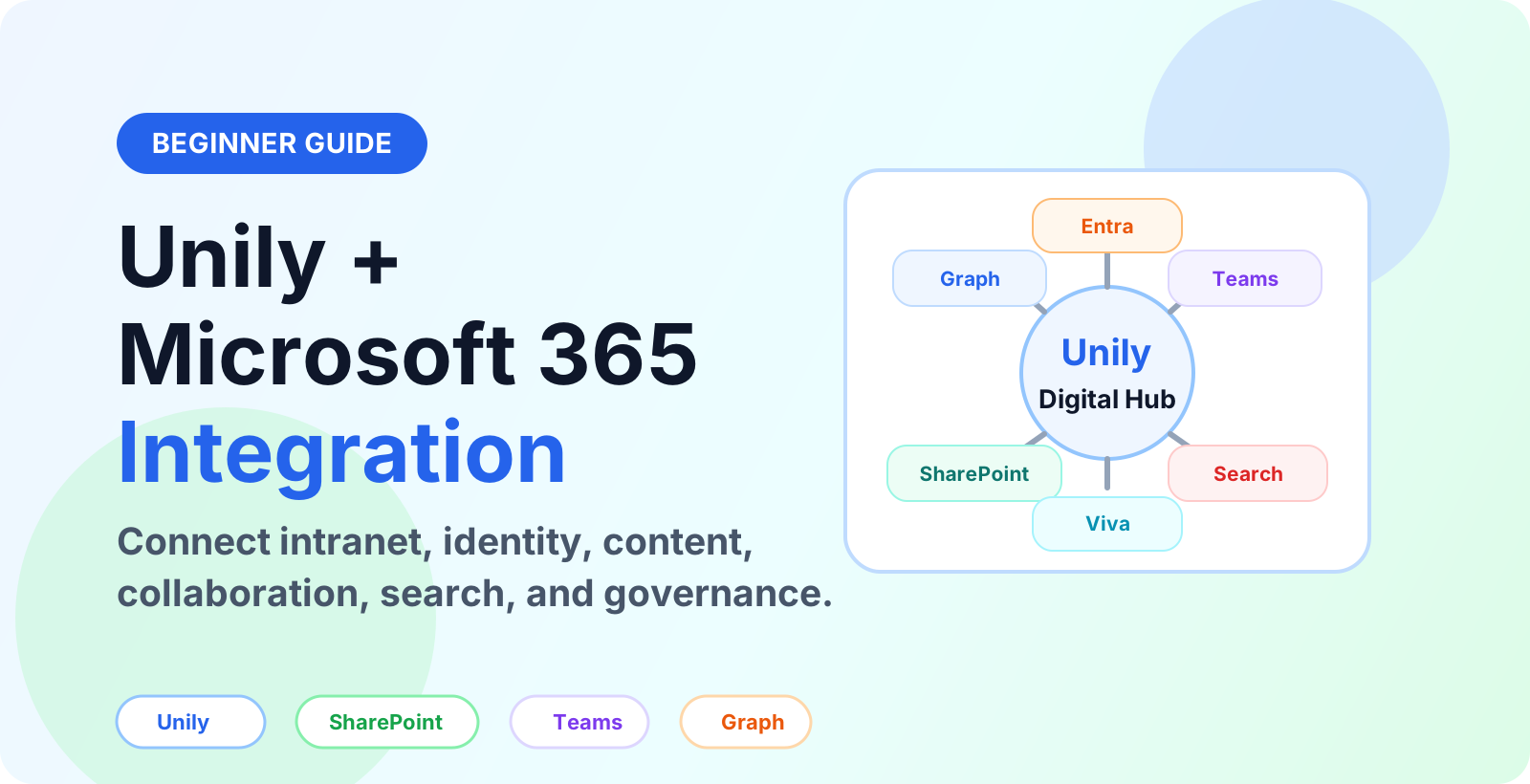
Learn how Unily integrates with Microsoft 365, SharePoint, Teams, Viva, Entra ID and Microsoft Graph to connect intranet content, identity, collaboration and governance.