What Power Platform includes
Power Platform commonly includes Power Apps, Power Automate, Power BI, Copilot Studio, connectors, environments, and governance controls that support business solutions.
Learn Power Platform with practical tutorials for Power Apps, Power Automate, Copilot Studio, governance, connectors, and Microsoft 365 solutions.
Browse all 109 articlesPower Platform is the Microsoft low-code ecosystem for building apps, automating workflows, analyzing data, and creating AI-powered business experiences. For Microsoft 365 teams, it often connects SharePoint, Teams, Outlook, Power Automate, Power Apps, Copilot Studio, and business APIs into practical solutions that reduce manual work.
This hub organizes nextM365 Power Platform guidance around implementation decisions: when to use Power Apps, when a Power Automate cloud flow is enough, how Copilot Studio agents call actions, and how governance keeps low-code solutions maintainable. The goal is to help makers and admins build solutions that are useful, secure, and easy to support.
Use this page as a cross-product starting point. If you need a focused path, move into the dedicated Power Automate, Power Apps Code, and Copilot Studio hubs. If you are planning a wider business solution, start here to understand how the platform pieces work together.
Power Platform commonly includes Power Apps, Power Automate, Power BI, Copilot Studio, connectors, environments, and governance controls that support business solutions.
Many solutions use Microsoft 365 data and collaboration surfaces such as SharePoint, Teams, Outlook, OneDrive, and Microsoft Lists. Good architecture keeps ownership and security clear.
As solutions grow, makers need naming standards, environment strategy, connector review, data loss prevention policies, ownership, support paths, and lifecycle planning.
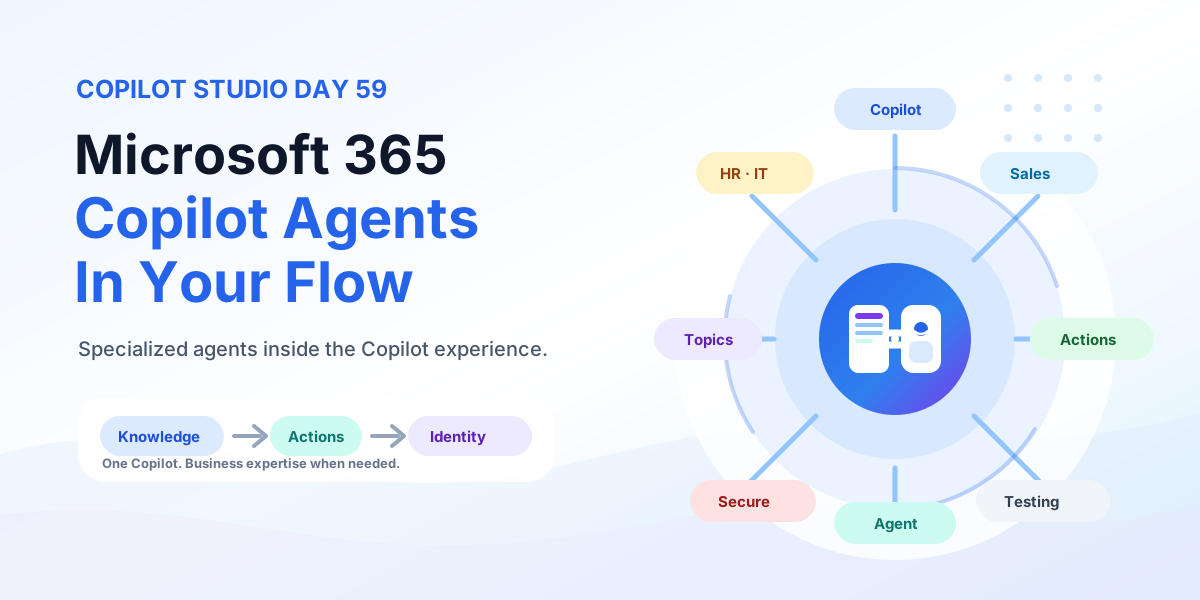
Bring Copilot Studio agents into Microsoft 365 Copilot with business knowledge, instructions, actions, identity-aware security, publishing, and team-specific agents for HR, IT, Sales, and Operations.

Choose the right Power Apps data source with the five-trigger test, delegation realities, licensing notes, and a clean graduation path.

A practical SharePoint migration checklist covering scope, inventory, cleanup, architecture, permissions, metadata, workflows, pilot waves, cutover, validation, and go-live.
Assess and modernize classic SharePoint pages, scripts, workflows, and InfoPath forms with modern SharePoint, SPFx, and Power Platform — decided per component.
Assess legacy Script Editor and custom JavaScript, choose between native SharePoint, JSON formatting, Power Platform, or SPFx — and modernize without porting debt.
Learn SPFx development end to end: project setup, React web parts, PnPjs, Microsoft Graph, REST, extensions, security, App Catalog deployment, and troubleshooting.
An end-to-end blueprint connecting SharePoint migration with SPFx modernization: assessment, target architecture, waves, validation, and governance.
Extend any Copilot Studio agent to more channels with Azure Bot Service using a relay bot, conversation mapping, channel routing, multi-channel experiences, testing, security, and production rollout.
Ship Copilot Studio agents to production with security reviews, governance ownership, analytics rhythms, and ALM promotion gates.
Power Platform is used to build business apps, automate workflows, create reports, connect data, and build agents that work with Microsoft 365 and business systems.
Start with Power Automate when the main need is workflow automation. Start with Power Apps when users need a custom app interface to view, enter, or manage business data.
Copilot Studio is part of the Power Platform family and can use Power Automate actions, connectors, and enterprise data to build task-focused agents.