What you can build
Common Copilot Studio projects include HR policy assistants, IT support agents, onboarding copilots, customer FAQ agents, and process-specific assistants that call Power Automate flows or other business systems.
Learn Microsoft Copilot Studio with tutorials for topics, knowledge sources, actions, triggers, publishing, governance, and business agents.

Microsoft Copilot Studio is where Microsoft 365 and Power Platform teams design, test, publish, and improve custom agents for employees, customers, and operations. It brings together generative AI, conversation topics, knowledge sources, actions, analytics, and channel publishing in one low-code experience. The platform is approachable for makers, but successful agents still need thoughtful architecture: clear use cases, reliable knowledge, secure data access, measurable outcomes, and a realistic plan for iteration.
This hub collects practical nextM365 guidance for building Copilot Studio agents that answer useful questions, complete business tasks, and integrate with Microsoft 365 services. The focus is not only on where to click, but also on why each design choice matters. You will find beginner setup guidance, comparisons with older chatbot approaches, licensing notes, scenario walkthroughs, and the 365 Days of Copilot Studio learning series.
Use this page as a starting point when you need to understand how topics, knowledge, variables, entities, triggers, and actions fit together. If you are planning an HR assistant, IT help desk agent, employee knowledge bot, or internal service desk experience, start with the scenario articles, then move into topics, knowledge sources, and testing patterns.
Common Copilot Studio projects include HR policy assistants, IT support agents, onboarding copilots, customer FAQ agents, and process-specific assistants that call Power Automate flows or other business systems.
Before publishing an agent, define the audience, source of truth, authentication needs, escalation path, analytics review rhythm, and ownership model. These choices usually matter more than the first draft of the conversation.
Begin with setup and licensing, then study topics, knowledge sources, triggers, variables, entities, actions, testing, and publishing. The 365 Days series follows this progression in smaller daily lessons.
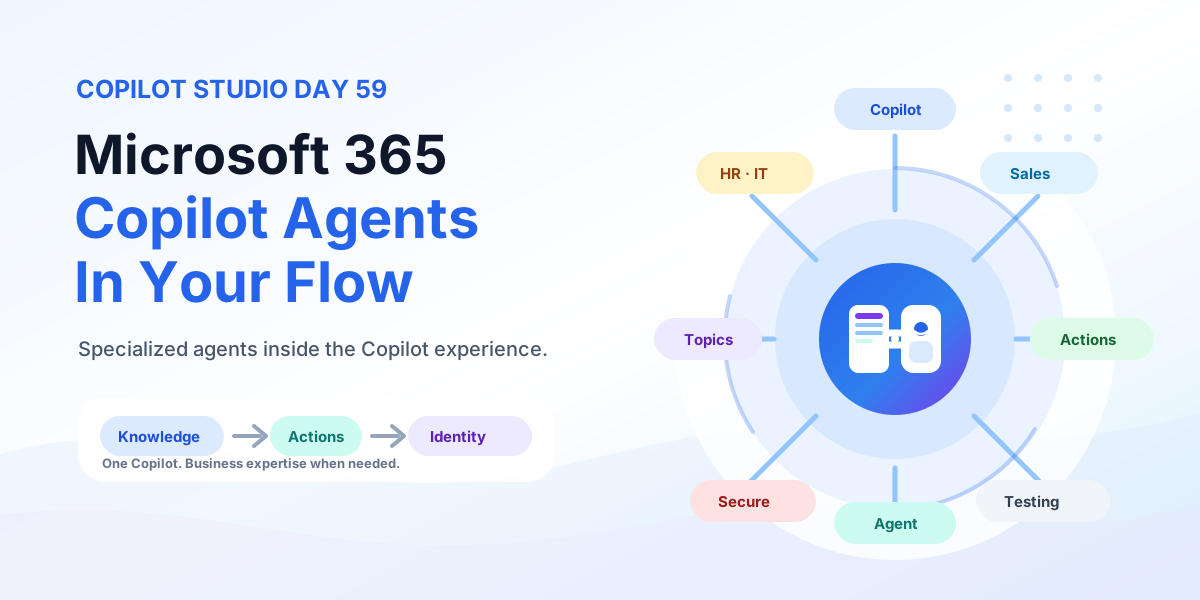
Bring Copilot Studio agents into Microsoft 365 Copilot with business knowledge, instructions, actions, identity-aware security, publishing, and team-specific agents for HR, IT, Sales, and Operations.
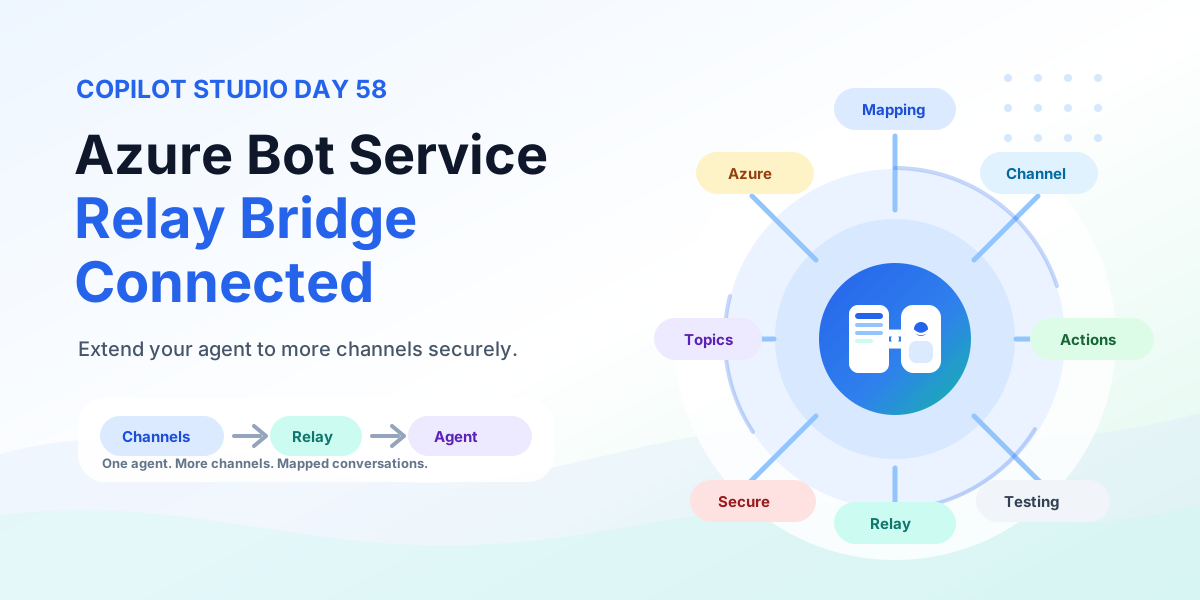
Extend any Copilot Studio agent to more channels with Azure Bot Service using a relay bot, conversation mapping, channel routing, multi-channel experiences, testing, security, and production rollout.

Ship Copilot Studio agents to production with security reviews, governance ownership, analytics rhythms, and ALM promotion gates.
Ground Copilot Studio agents on SharePoint content with permission-aware retrieval, security trimming, and governance guardrails.
Connect any custom web or mobile app to Copilot Studio with the Direct Line channel using token-based authentication, conversation management, context passing, custom chat UX, business actions, testing, and production rollout.
Understand Copilot Studio architecture across topics, knowledge, variables, actions, analytics, ALM, and channels for production agents.
Build Copilot Studio voice agents that listen, understand, and respond by voice with Basic and Real-time Voice, DTMF keypad, telephony, silence handling, barge-in, business actions, testing, and production rollout.
Design Copilot Studio authentication with Entra ID user sign-in, connection identities, consent boundaries, and least-privilege action access.
Understand Copilot Studio omnichannel deployment across Teams, websites, custom apps, messaging, social channels, mobile apps, voice, contact center experiences, authentication, context, routing, handoff, testing, monitoring, and governance.
It is used to build custom AI agents and copilots that answer questions, use business knowledge, trigger actions, and publish to channels such as Microsoft Teams and the web.
No. Many scenarios can be built with low-code tools, but advanced agents often benefit from Power Automate, connectors, authentication planning, and good solution design.
Start with setup, licensing, topics, and knowledge sources. Then build one small scenario, test it with real questions, and improve it before adding more integrations.