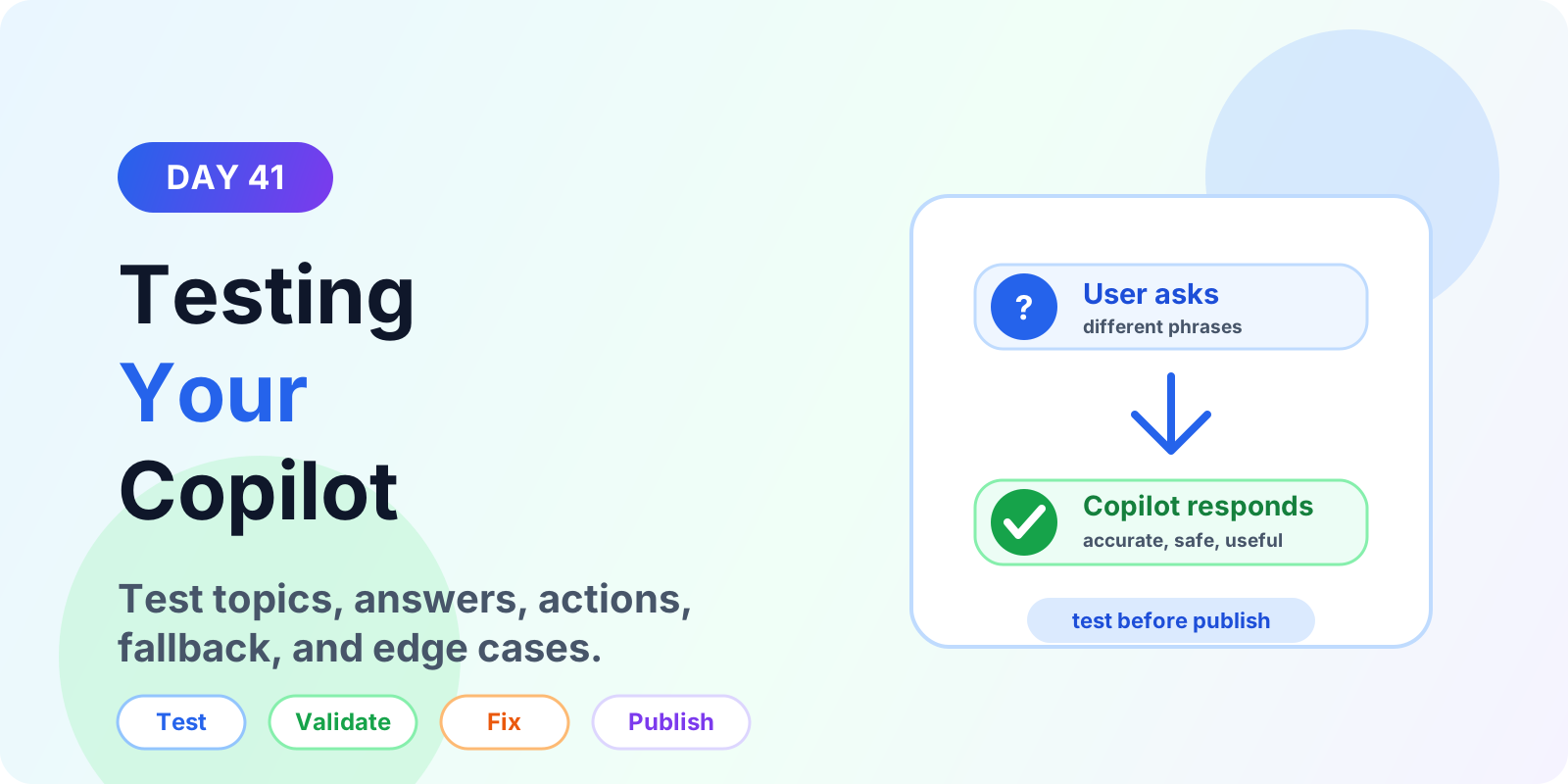

Testing Your Copilot | Copilot Studio Day 41
Learn how to test a Copilot Studio agent before publishing, including topics, trigger phrases, questions, variables, actions, generative answers, fallback paths, and edge cases.
The 365 Days of Copilot Studio category is a structured learning path for people who want to build Copilot Studio knowledge one topic at a time. Each article focuses on a specific concept, component, or design decision so the learning stays manageable.
Open the Microsoft Copilot Studio learning hubUse this series to understand the building blocks of agents: topics, knowledge, generative answers, variables, entities, triggers, actions, testing, and publishing. It is especially useful if you want a steady progression from beginner concepts to practical implementation patterns.
This article archive collects the concepts, setup steps, design choices, and common implementation patterns behind 365 Days of Copilot Studio. Use them as practical references while planning, building, testing, and improving Microsoft 365 solutions.
60 articles in “365 Days of Copilot Studio”
Learn how to test a Copilot Studio agent before publishing, including topics, trigger phrases, questions, variables, actions, generative answers, fallback paths, and edge cases.
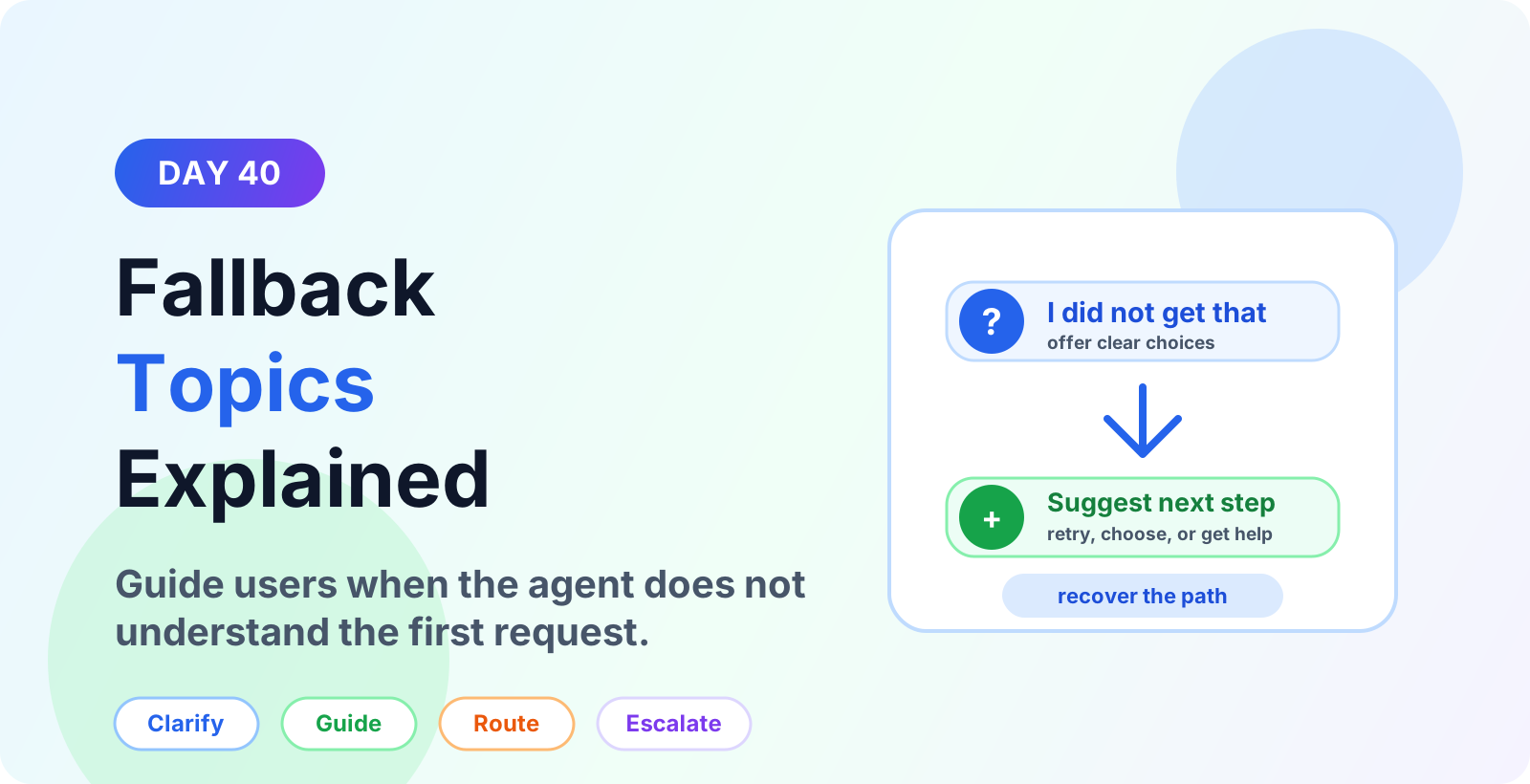
Learn Microsoft Copilot Studio fallback topics for unclear requests, no-match responses, repeated fallback, routing, escalation, and better user recovery.
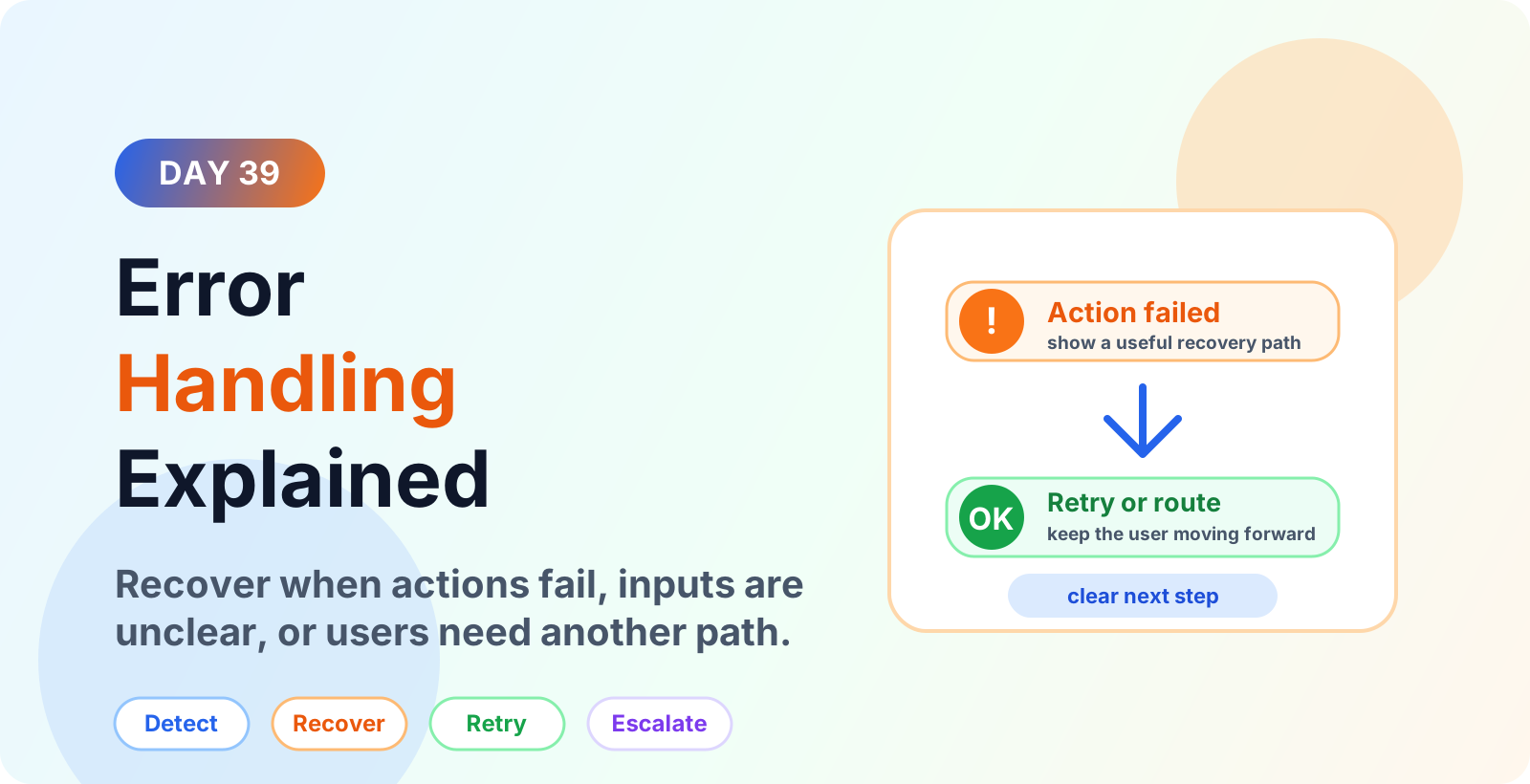
Learn Microsoft Copilot Studio error handling best practices for failed actions, unclear inputs, fallback paths, retries, escalation, and better user recovery.
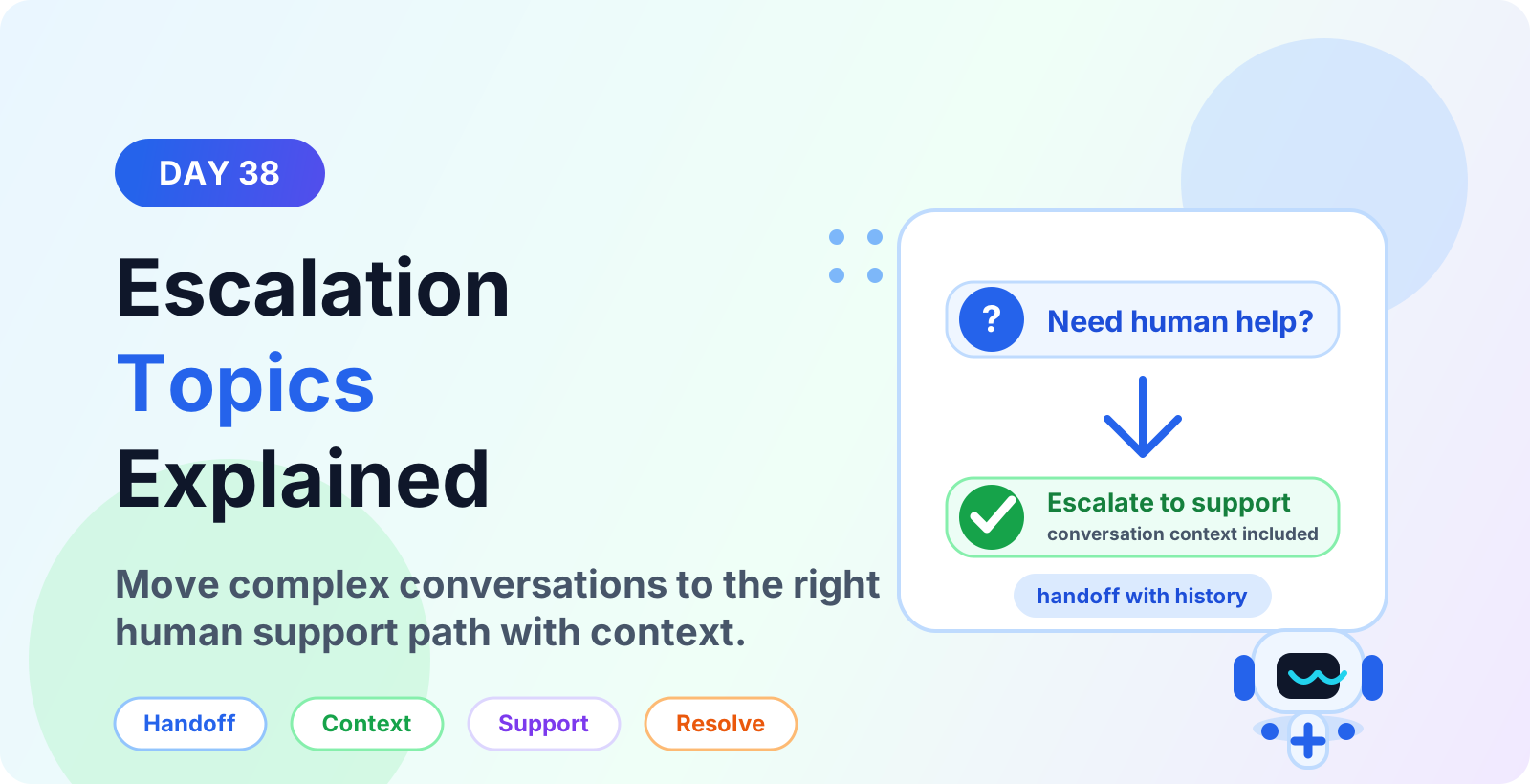
Learn how escalation topics in Microsoft Copilot Studio move complex conversations to human support with context, routing, severity rules, and clean resolution.
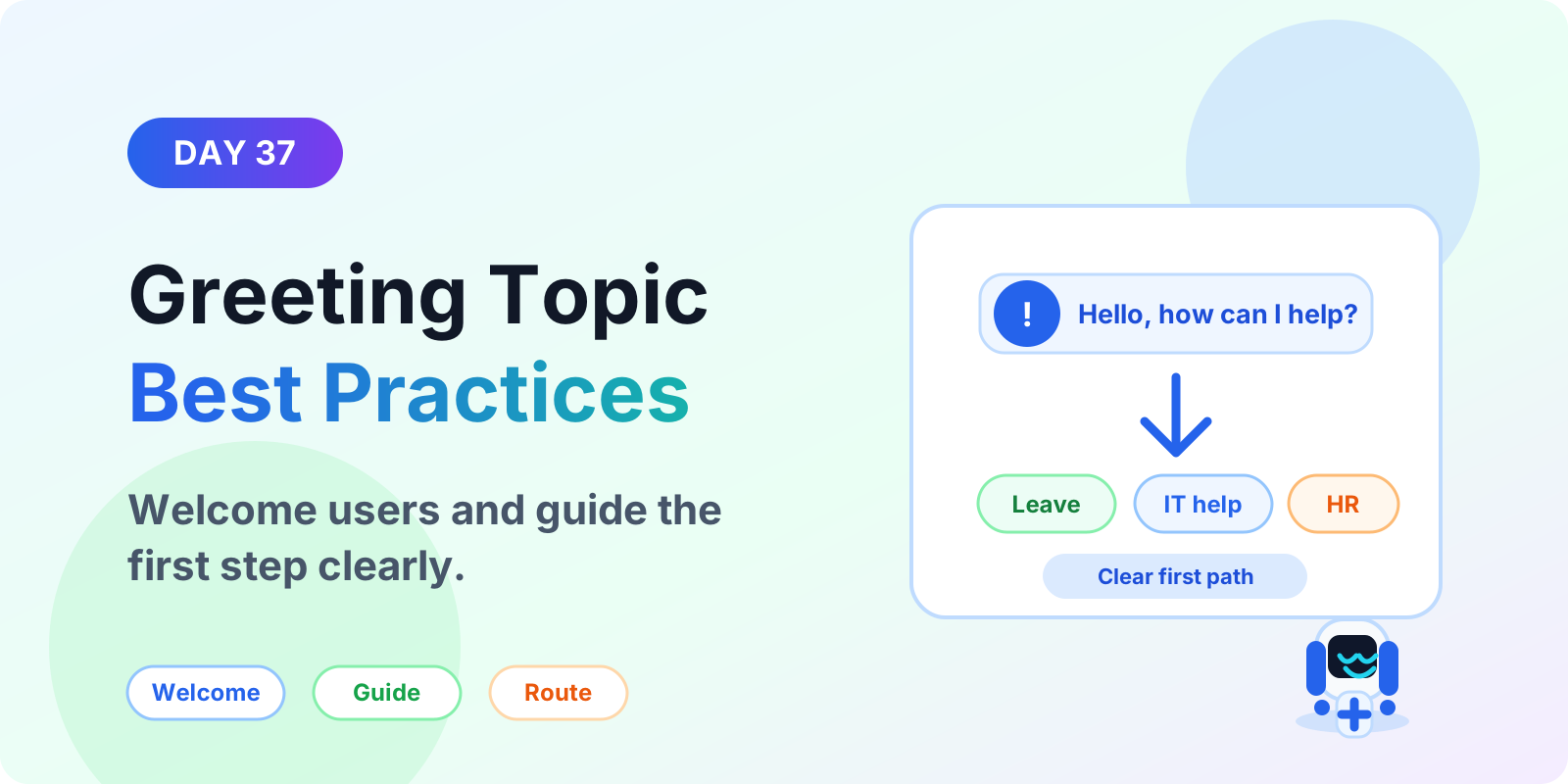
Learn Microsoft Copilot Studio greeting topic best practices for welcome messages, first prompts, quick replies, suggested actions, routing, and better chatbot starts.
Learn how to use images and file responses in Microsoft Copilot Studio to share screenshots, PDFs, documents, guides, and helpful support content in agent conversations.
Learn how to use rich text formatting in Microsoft Copilot Studio messages to create clearer replies, readable steps, links, warnings, and better agent conversations.
Learn what Suggested Actions are in Microsoft Copilot Studio, when to use them, how they guide users to next steps, and best practices for better agent UX.
Learn what Quick Replies are in Microsoft Copilot Studio, when to use them, how they guide users with clear choices, and best practices for better agent conversations.
Yes. The series hub links articles in order so you can follow the learning path step by step.
Yes. Each article is useful on its own, but the series navigation gives the best progression.