Skip to content

365 Days of Copilot Studio learning series

The 365 Days of Copilot Studio category is a structured learning path for people who want to build Copilot Studio knowledge one topic at a time. Each article focuses on a specific concept, component, or design decision so the learning stays manageable.

Open the Microsoft Copilot Studio learning hub

Use this series to understand the building blocks of agents: topics, knowledge, generative answers, variables, entities, triggers, actions, testing, and publishing. It is especially useful if you want a steady progression from beginner concepts to practical implementation patterns.

What you will learn

This article archive collects the concepts, setup steps, design choices, and common implementation patterns behind 365 Days of Copilot Studio. Use them as practical references while planning, building, testing, and improving Microsoft 365 solutions.

In Microsoft Copilot Studio:

60 articles in “365 Days of Copilot Studio”

Featured articles

Recent articles

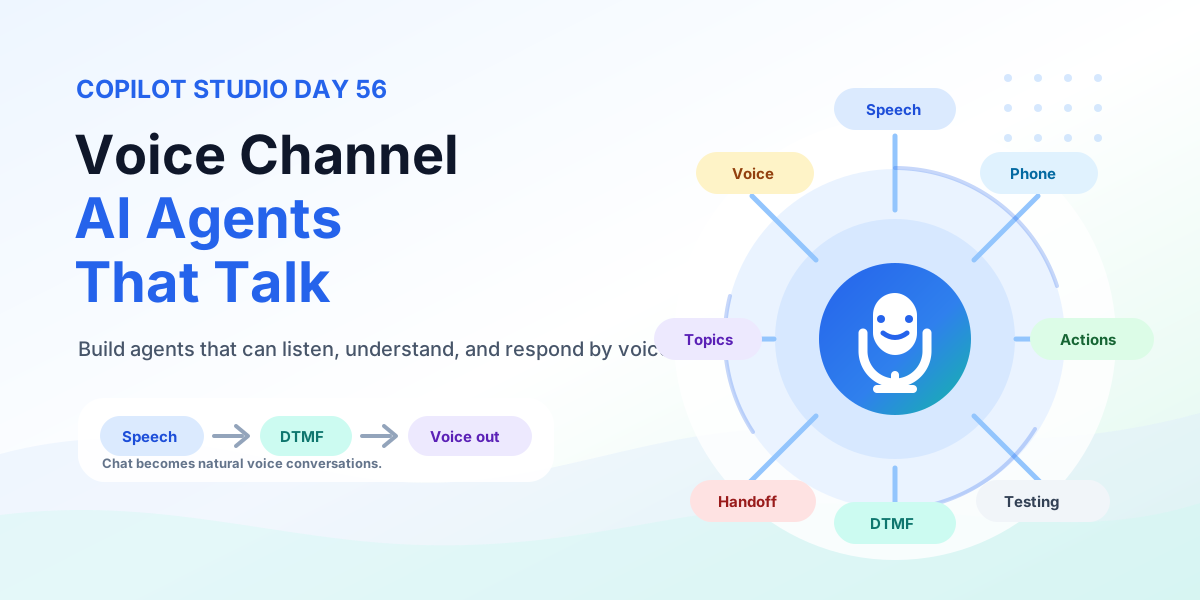
Voice Channel in Copilot Studio | Copilot Studio Day 56
Microsoft Copilot StudioSep 14, 2026

Voice Channel in Copilot Studio | Copilot Studio Day 56

Build Copilot Studio voice agents that listen, understand, and respond by voice with Basic and Real-time Voice, DTMF keypad, telephony, silence handling, barge-in, business actions, testing, and production rollout.

By Suresh Girinathuni10 min read
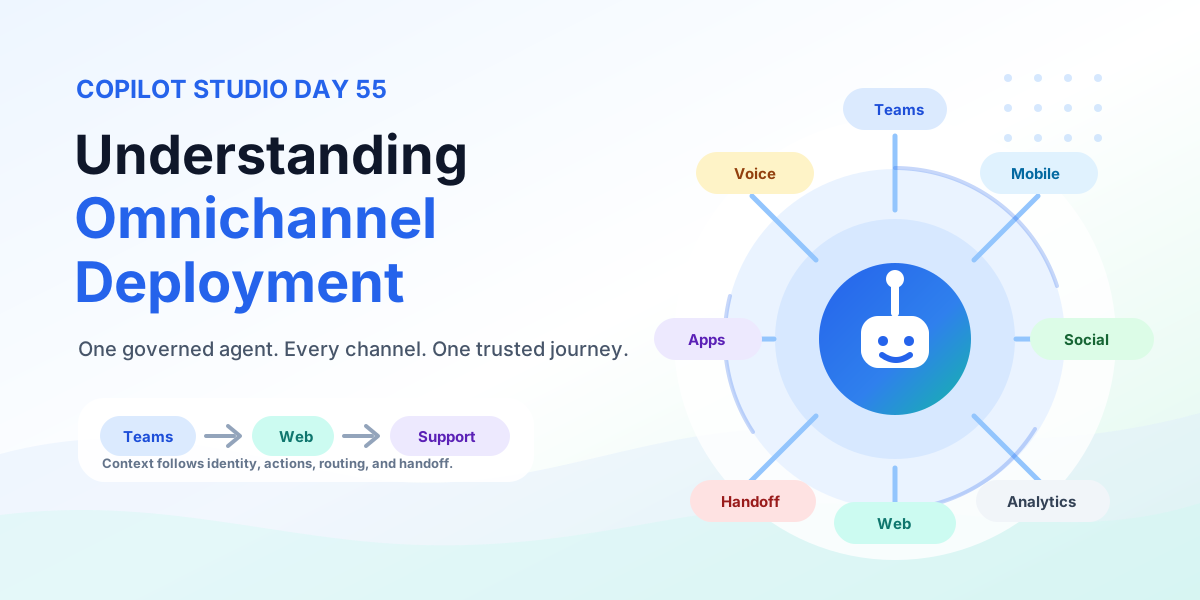
Understanding Omnichannel Deployment | Copilot Studio Day 55
Microsoft Copilot StudioSep 11, 2026

Understanding Omnichannel Deployment | Copilot Studio Day 55

Understand Copilot Studio omnichannel deployment across Teams, websites, custom apps, messaging, social channels, mobile apps, voice, contact center experiences, authentication, context, routing, handoff, testing, monitoring, and governance.

By Suresh Girinathuni10 min read
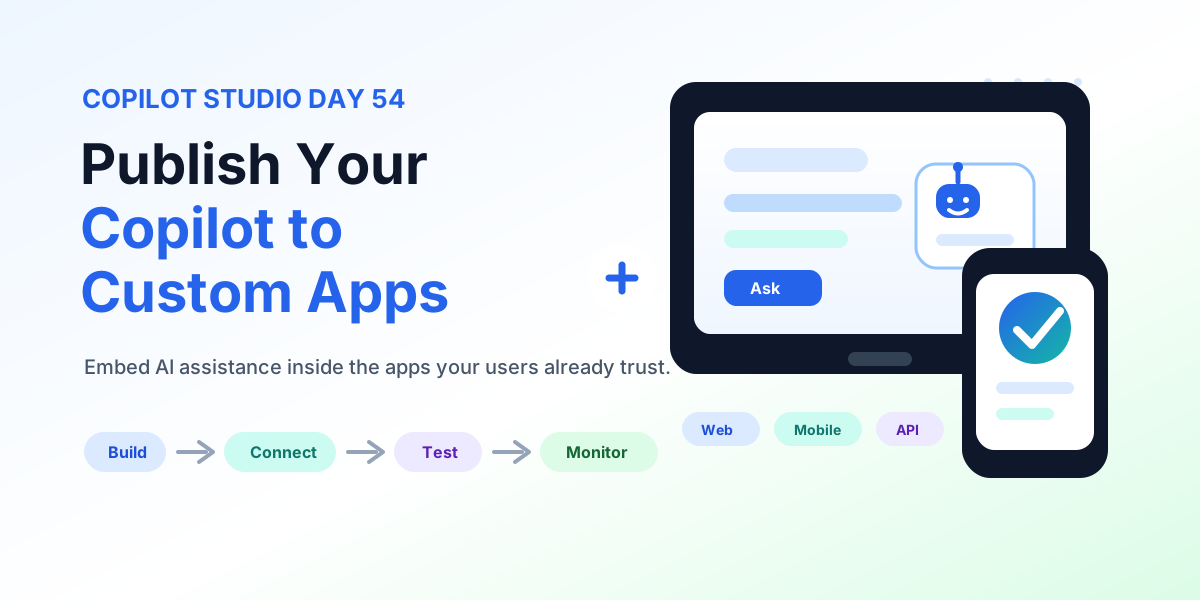
Publish Your Copilot to Custom Apps | Copilot Studio Day 54
Microsoft Copilot StudioSep 10, 2026

Publish Your Copilot to Custom Apps | Copilot Studio Day 54

Learn how to publish a Copilot Studio agent to custom web and mobile apps with connection details, chat UX design, authentication, data protection, actions, context, performance, testing, monitoring, and production readiness.

By Suresh Girinathuni13 min read
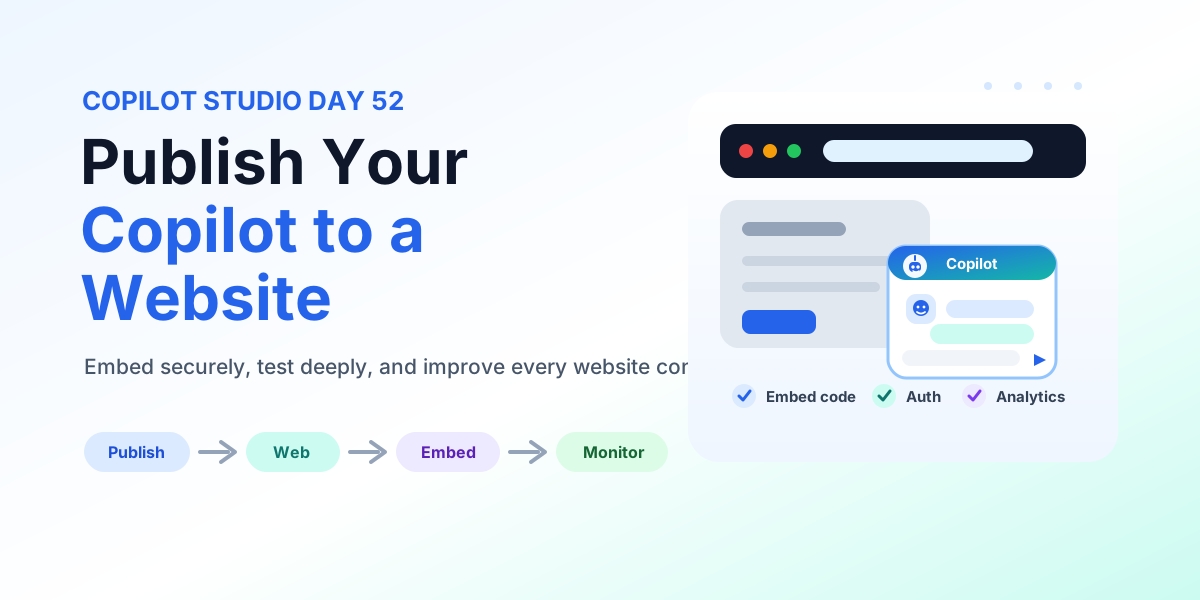
How to Publish Your Copilot to a Website | Copilot Studio Day 52
Microsoft Copilot StudioSep 8, 2026

How to Publish Your Copilot to a Website | Copilot Studio Day 52

Learn how to publish a Copilot Studio agent to a website with web channel setup, embed code placement, authentication, data protection, testing, accessibility, monitoring, and production deployment checks.

By Suresh Girinathuni12 min read

Frequently asked questions

Is this series sequential?

Yes. The series hub links articles in order so you can follow the learning path step by step.

Can I read individual days separately?

Yes. Each article is useful on its own, but the series navigation gives the best progression.