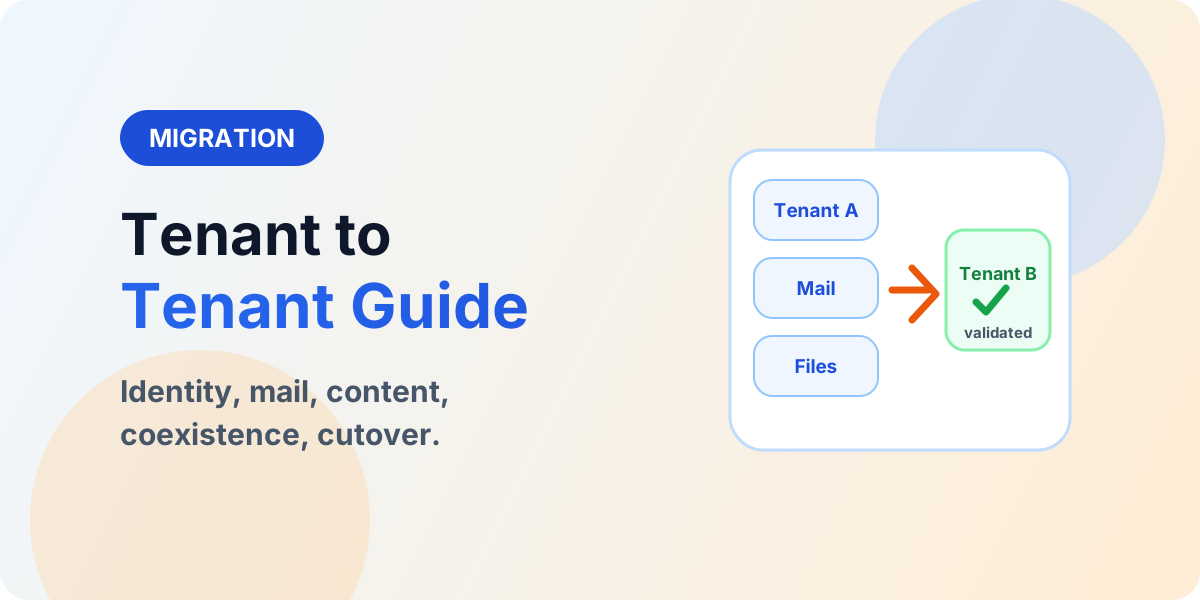
Tenant-to-Tenant Migration Explained: Identity, SharePoint, Teams, and Cutover
Plan tenant-to-tenant migration across identity, mail, SharePoint, Teams, OneDrive, and domains with coexistence and staged cutover.
This archive collects nextM365 articles about the Power Platform ecosystem, including Power Apps, Power Automate, Copilot Studio, connectors, governance, and low-code or pro-code solution design. It is an article collection, not a replacement for the focused learning hubs.
Open the Power Platform learning hubUse this page when you want to browse Power Platform content across product boundaries. For deeper learning, follow the dedicated Power Automate, Power Apps Code, and Copilot Studio hub pages linked from related articles.
This article archive collects the concepts, setup steps, design choices, and common implementation patterns behind Power Platform. Use them as practical references while planning, building, testing, and improving Microsoft 365 solutions.
109 articles in “Power Platform”
Plan tenant-to-tenant migration across identity, mail, SharePoint, Teams, OneDrive, and domains with coexistence and staged cutover.
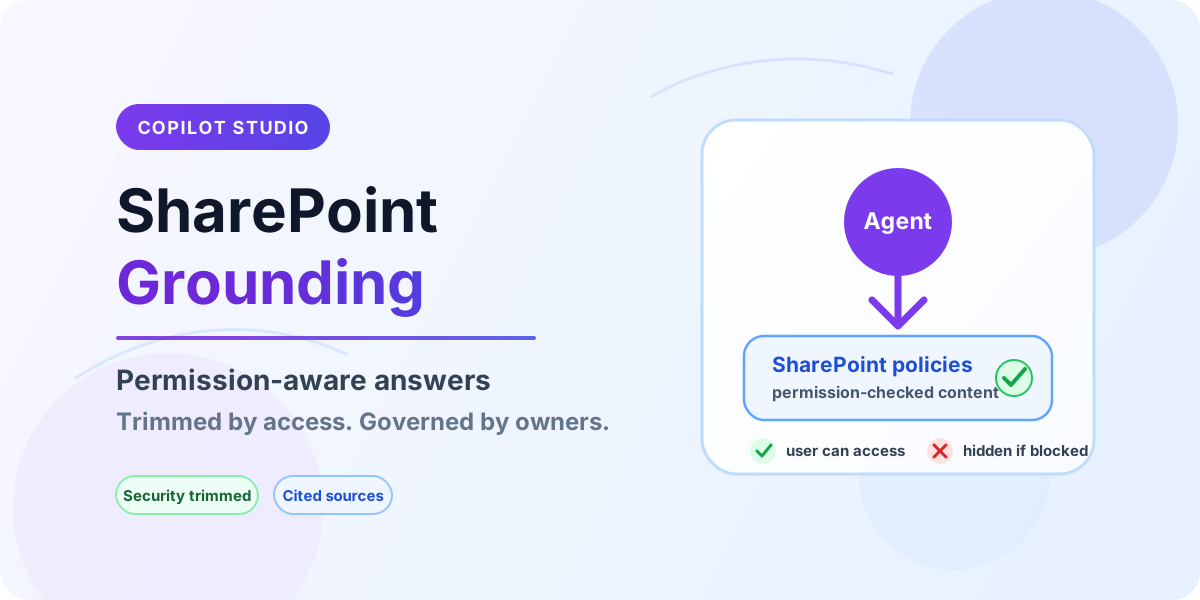
Ground Copilot Studio agents on SharePoint content with permission-aware retrieval, security trimming, and governance guardrails.
Assess your content, permissions, metadata, customizations, workflows and dependencies before planning a SharePoint migration.
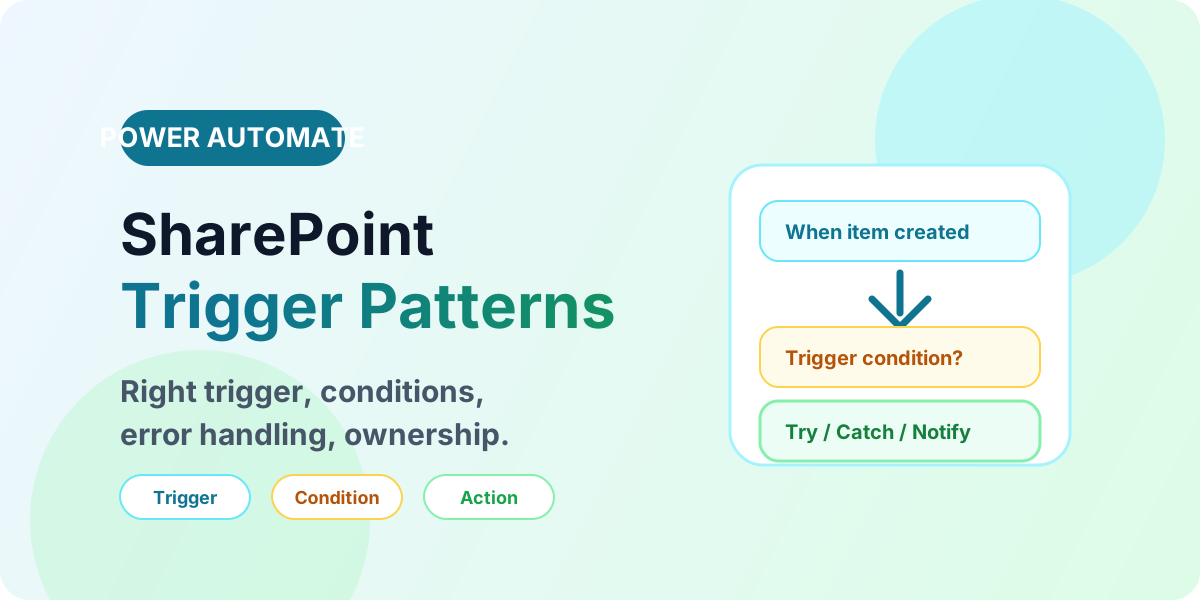
Build reliable SharePoint flows with the right triggers, trigger conditions, error handling, and production ownership patterns.
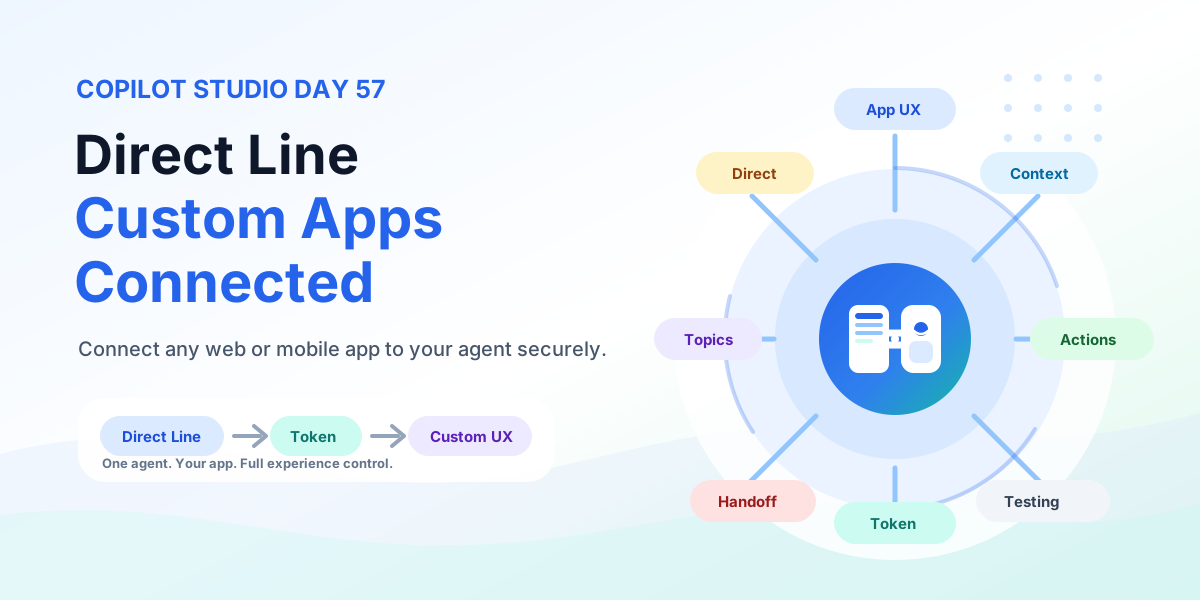
Connect any custom web or mobile app to Copilot Studio with the Direct Line channel using token-based authentication, conversation management, context passing, custom chat UX, business actions, testing, and production rollout.
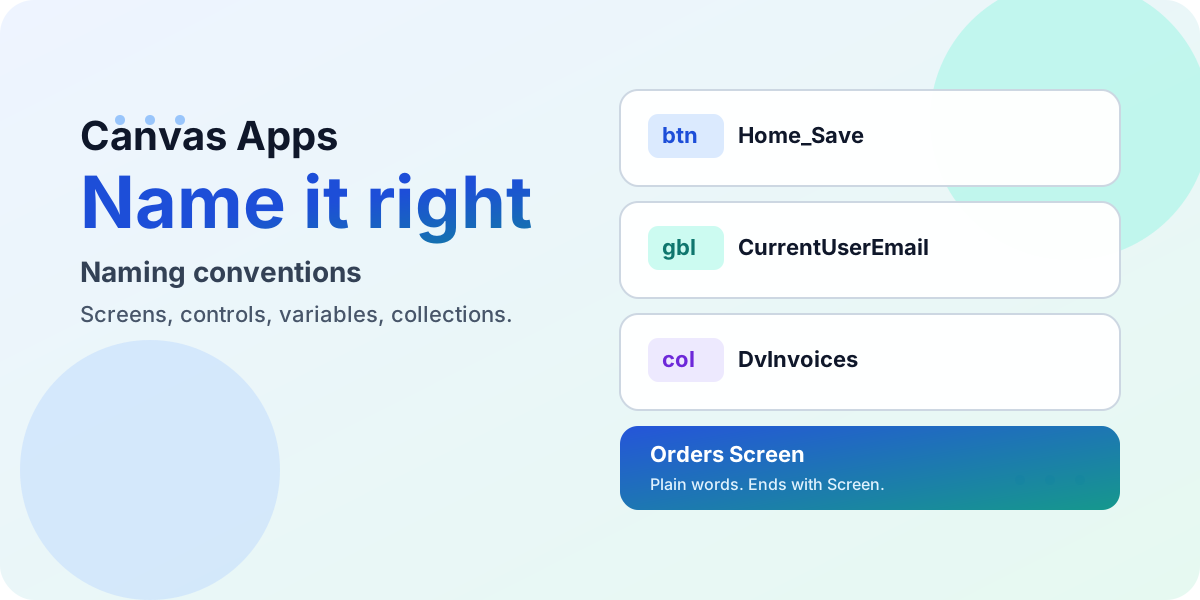
Name every screen, control, variable, collection, and data source in a canvas app so any maker can read your formulas at a glance — with prefix tables, good-vs-bad examples, and the community resources to go deeper.
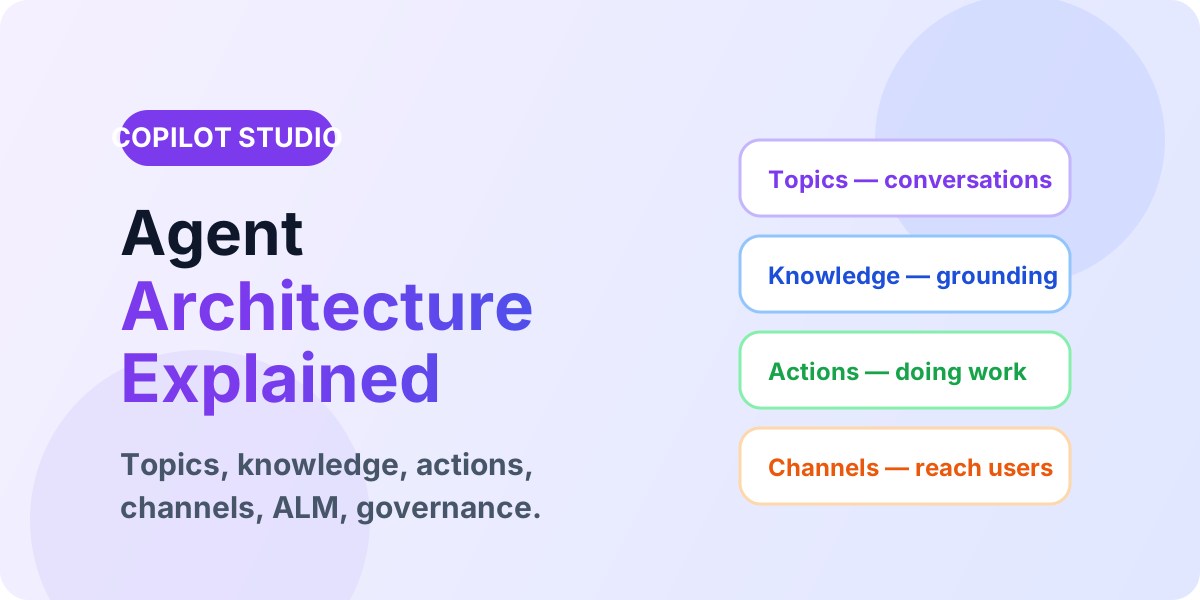
Understand Copilot Studio architecture across topics, knowledge, variables, actions, analytics, ALM, and channels for production agents.
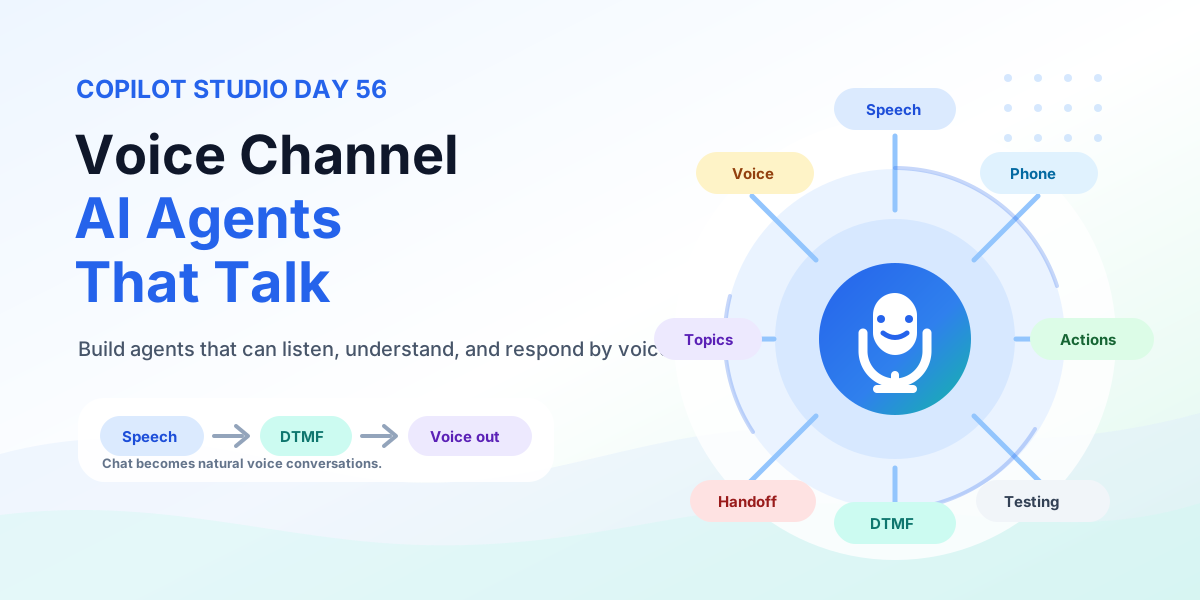
Build Copilot Studio voice agents that listen, understand, and respond by voice with Basic and Real-time Voice, DTMF keypad, telephony, silence handling, barge-in, business actions, testing, and production rollout.
Stop scrolling a 200-function alphabetical list. This hub groups every Power Fx function by the job makers hire it for, calls out the dozen you will use every week, and points to the official syntax whenever you need the full detail.
It groups articles that discuss Power Apps, Power Automate, Copilot Studio, connectors, and governance across the Power Platform.
No. This is an article archive. Use the product pillar pages for structured learning paths.