Skip to content

Microsoft Copilot Studio articles and agent tutorials

This category focuses on Microsoft Copilot Studio: building agents, planning topics, using knowledge sources, understanding licensing, testing behavior, publishing channels, and designing useful business scenarios. It includes both standalone guides and the ongoing 365 Days of Copilot Studio series.

Open the Microsoft Copilot Studio learning hub

You will learn how Copilot Studio components work together, how to approach real-world assistants such as HR and IT help desk agents, and how to move from a first test bot to a more structured agent implementation. The content is practical and implementation-focused.

What you will learn

This article archive collects the concepts, setup steps, design choices, and common implementation patterns behind Microsoft Copilot Studio. Use them as practical references while planning, building, testing, and improving Microsoft 365 solutions.

In Microsoft Copilot Studio:

70 articles in “Microsoft Copilot Studio”

Featured articles

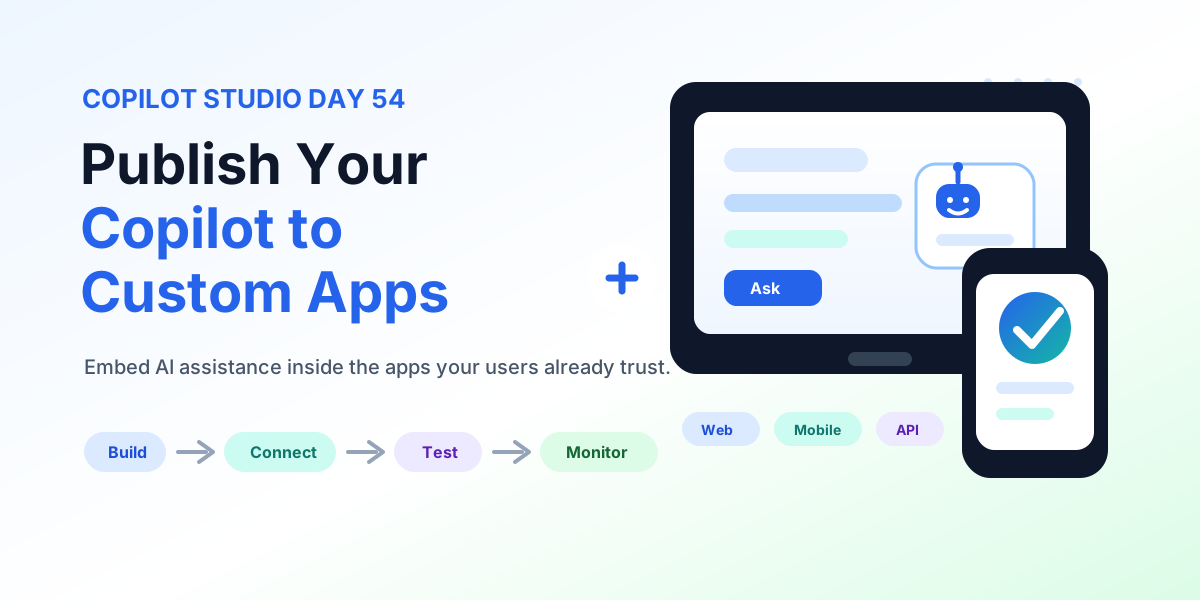
Publish Your Copilot to Custom Apps | Copilot Studio Day 54
Microsoft Copilot StudioSep 10, 2026

Publish Your Copilot to Custom Apps | Copilot Studio Day 54

Learn how to publish a Copilot Studio agent to custom web and mobile apps with connection details, chat UX design, authentication, data protection, actions, context, performance, testing, monitoring, and production readiness.

By Suresh Girinathuni13 min read
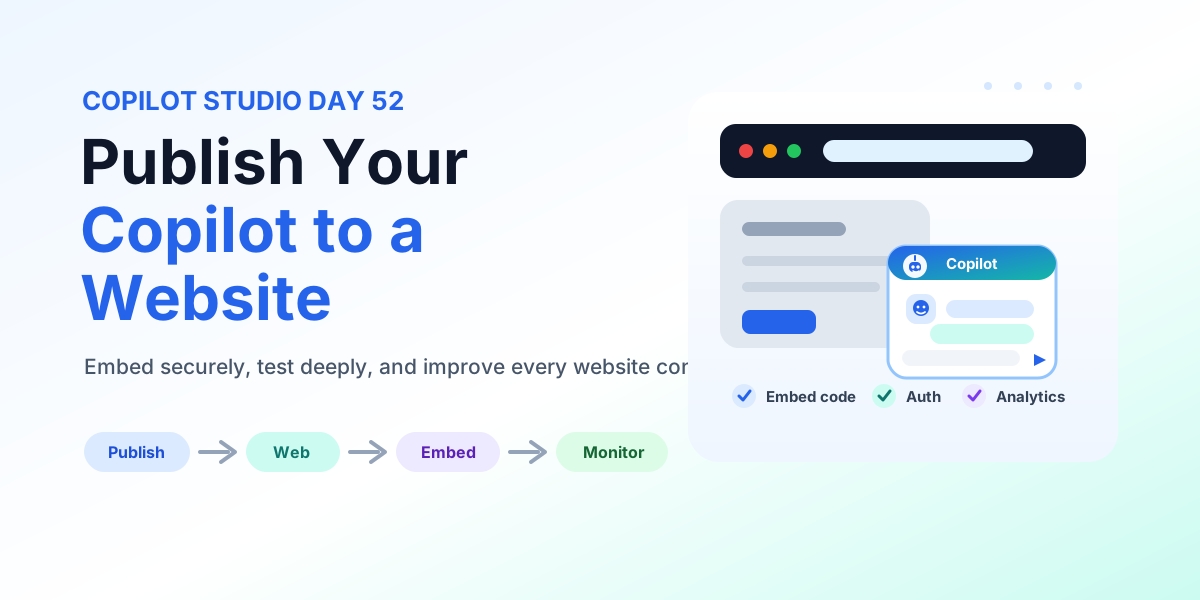
How to Publish Your Copilot to a Website | Copilot Studio Day 52
Microsoft Copilot StudioSep 8, 2026

How to Publish Your Copilot to a Website | Copilot Studio Day 52

Learn how to publish a Copilot Studio agent to a website with web channel setup, embed code placement, authentication, data protection, testing, accessibility, monitoring, and production deployment checks.

By Suresh Girinathuni12 min read

Recent articles

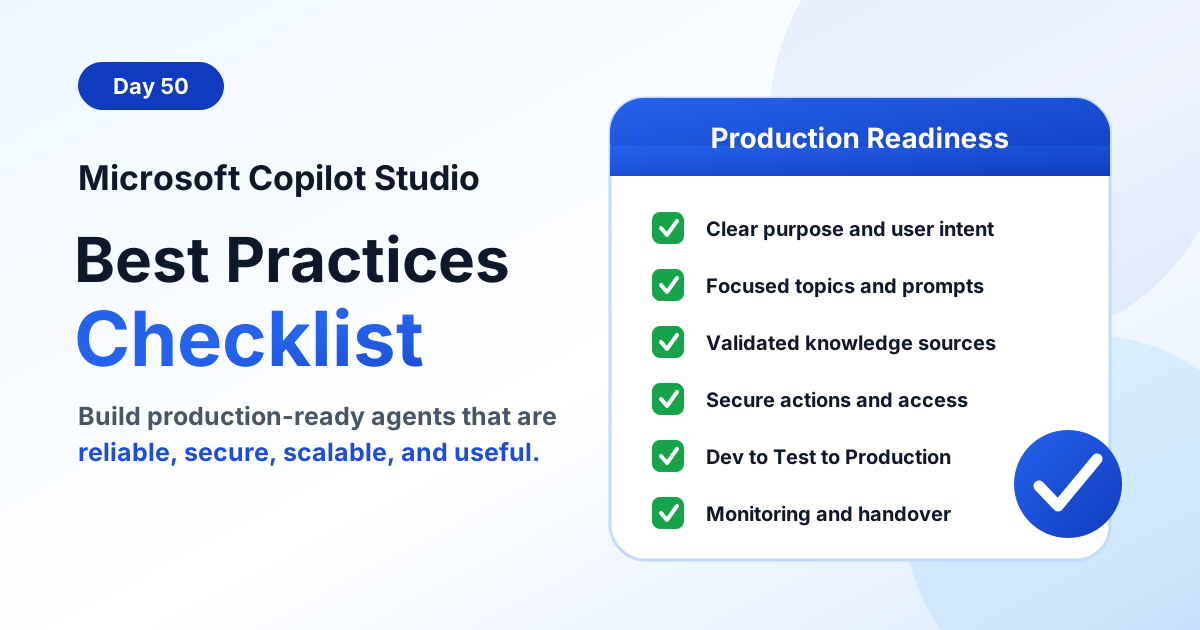
Copilot Studio Best Practices Checklist | Copilot Studio Day 50
Microsoft Copilot StudioSep 4, 2026

Copilot Studio Best Practices Checklist | Copilot Studio Day 50

Use this Microsoft Copilot Studio best practices checklist to build production-ready agents with clear purpose, focused topics, reliable knowledge, secure actions, testing, monitoring, and governance.

By Suresh Girinathuni12 min read
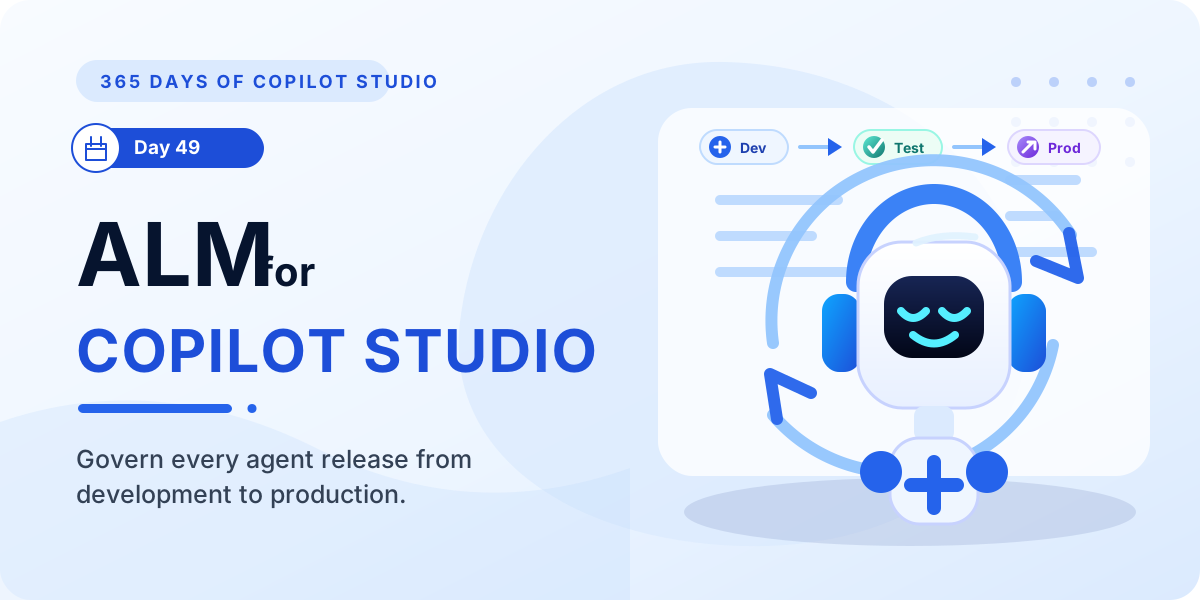
ALM for Microsoft Copilot Studio | Copilot Studio Day 49
Microsoft Copilot StudioSep 3, 2026

ALM for Microsoft Copilot Studio | Copilot Studio Day 49

Learn how ALM in Microsoft Copilot Studio helps teams plan, build, test, deploy, monitor, and improve agents across development, test, and production environments.

By Suresh Girinathuni7 min read
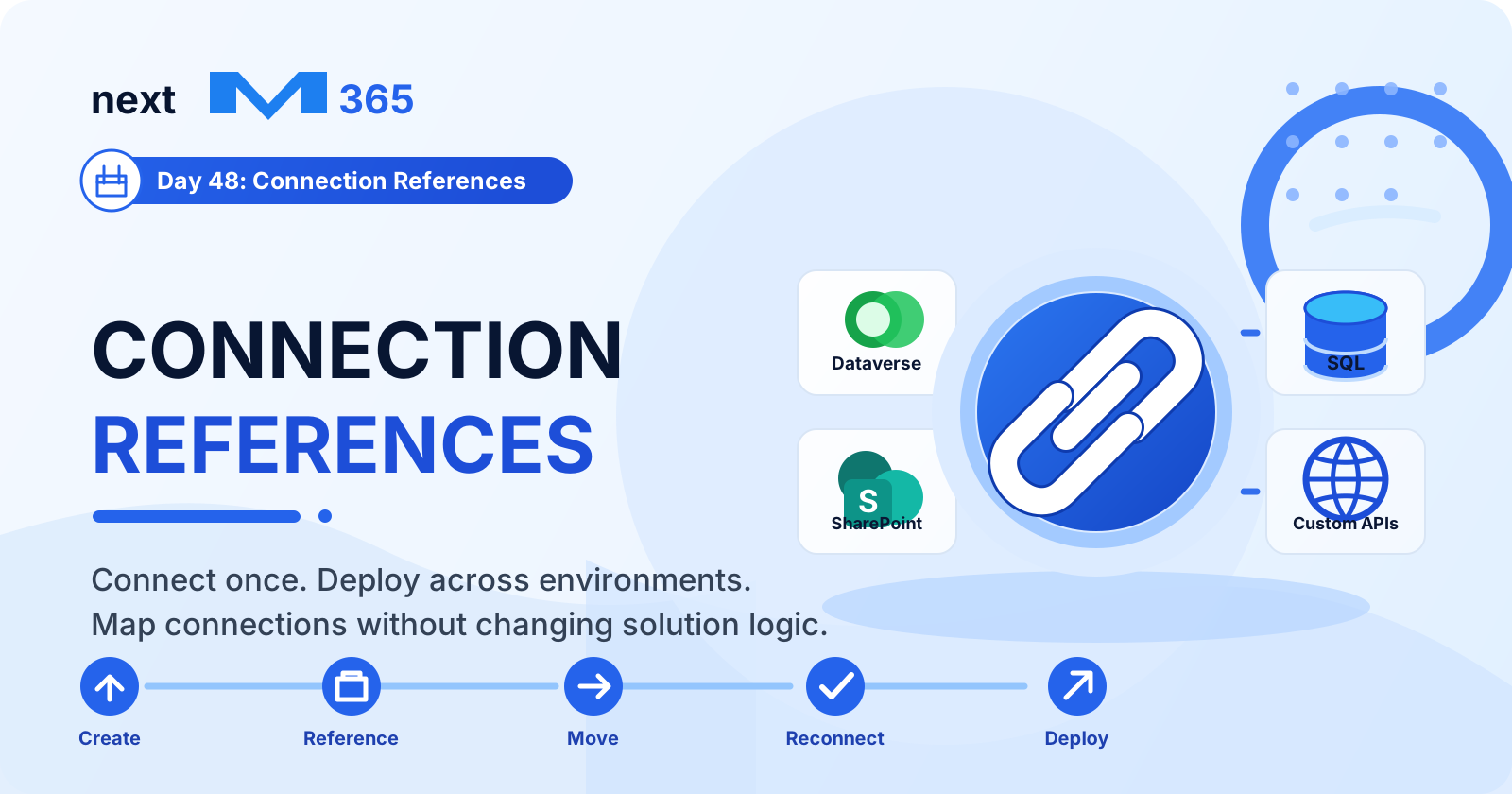
Connection References | Copilot Studio Day 48
Microsoft Copilot StudioSep 2, 2026

Connection References | Copilot Studio Day 48

Learn how connection references in Copilot Studio and Power Platform make connectors reusable, secure, portable, and easier to manage across development, test, and production.

By Suresh Girinathuni10 min read
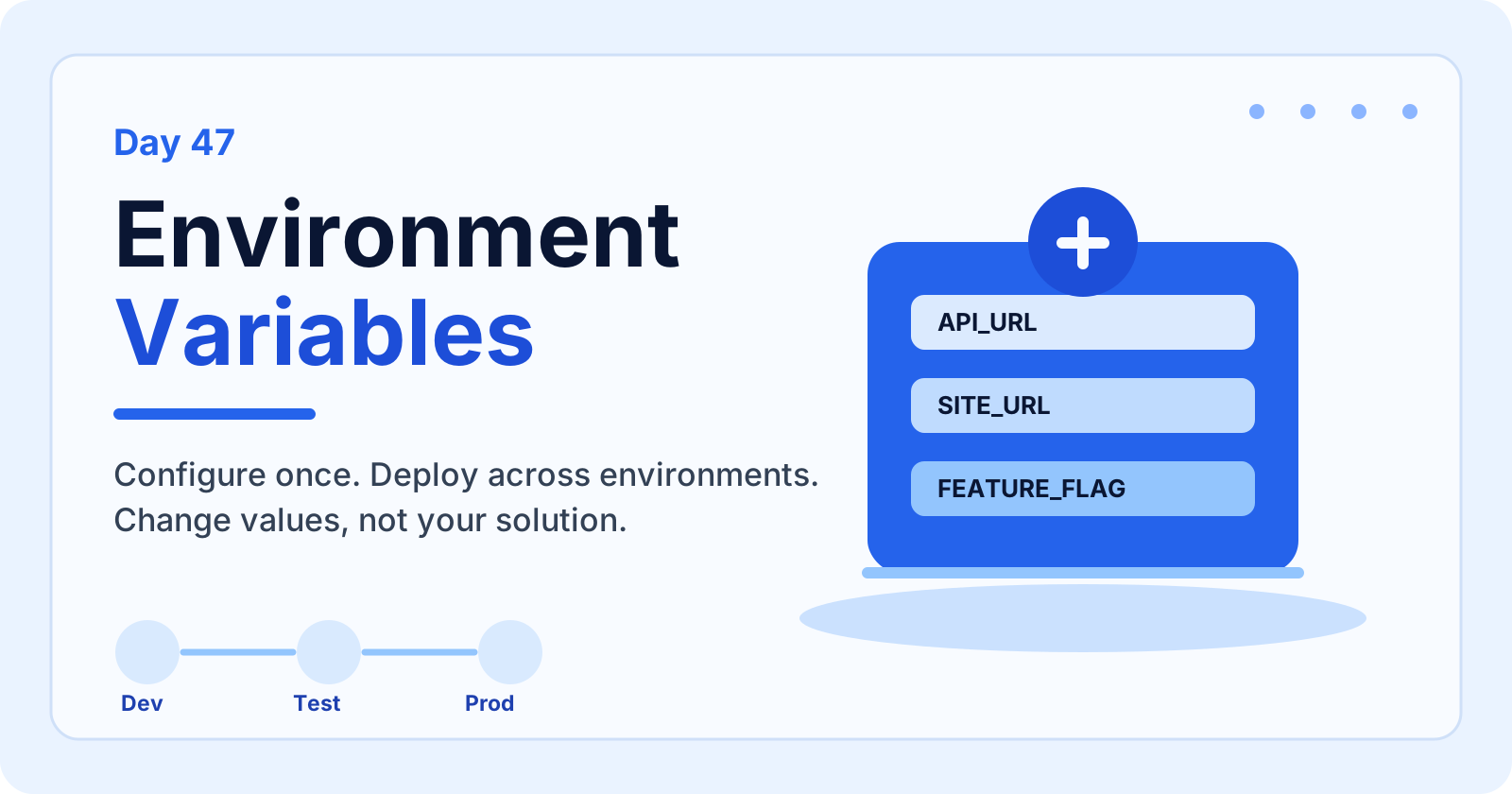
Environment Variables | Copilot Studio Day 47
Microsoft Copilot StudioSep 1, 2026

Environment Variables | Copilot Studio Day 47

Learn how environment variables in Copilot Studio help you configure values per environment, reduce hardcoding, secure settings, support ALM, and deploy solutions across development, test, and production.

By Suresh Girinathuni8 min read
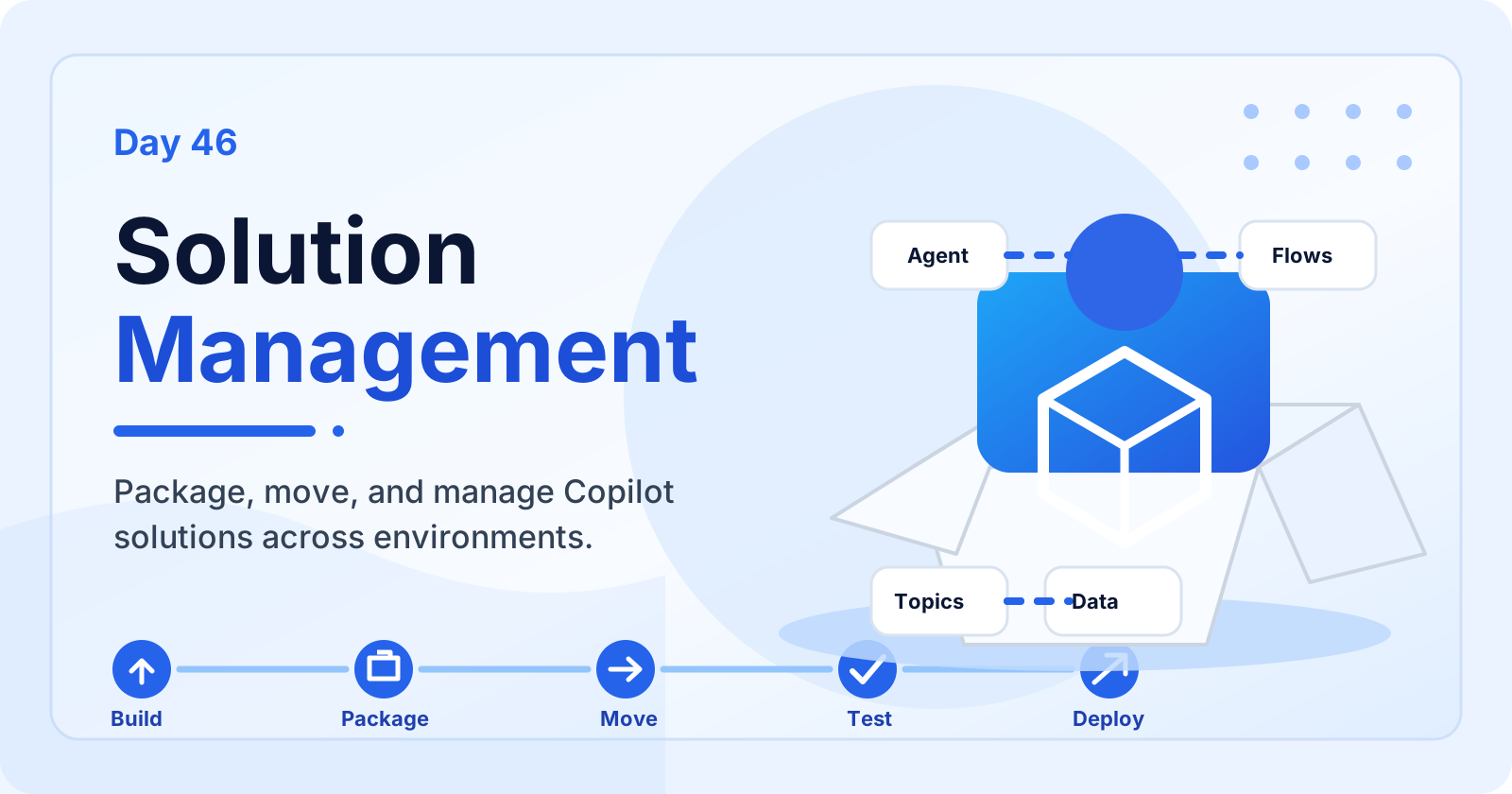
Solution Management | Copilot Studio Day 46
Microsoft Copilot StudioAug 31, 2026

Solution Management | Copilot Studio Day 46

Learn how solution management in Microsoft Copilot Studio helps you package, organize, move, test, deploy, update, and maintain agents across environments.

By Suresh Girinathuni8 min read

Frequently asked questions

Does this category include beginner content?

Yes. Start with setup, licensing, and core component articles before moving into advanced scenarios.

Is the 365 Days series part of this category?

Yes. The series is a structured subcategory inside Copilot Studio.